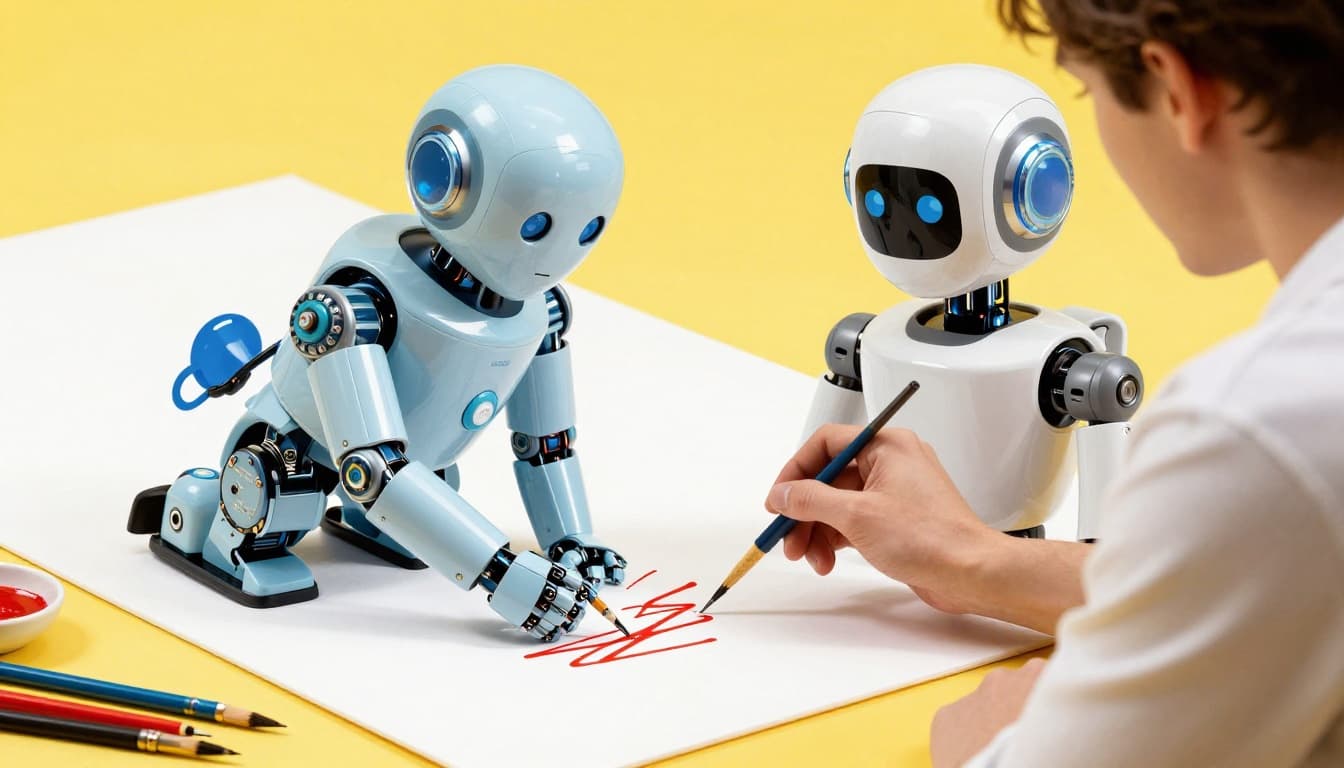
AI-Powered Thumbnails: How Smart Creators Use AI to Design Clicks That Convert
Your video could be the most valuable, entertaining, and well-produced piece of content ever uploaded to YouTube, but if the thumbnail does not stop someone mid-scroll, none of that matters. Thumbnails are the storefront of the creator economy — they are the first and often only impression that determines whether someone clicks or keeps scrolling. For years, creating effective thumbnails required either significant design skills or the budget to hire a professional designer. That equation has changed dramatically with the arrival of AI-powered design tools. Creators who once spent hours wrestling with Photoshop are now generating dozens of thumbnail variations in minutes, testing them with AI-driven analytics, and iterating at a pace that was impossible just two years ago. This is not about replacing creative vision with artificial intelligence — it is about using AI to execute that vision faster, test it more rigorously, and ultimately put better thumbnails in front of your audience.
Why Thumbnails Matter More Than You Think
The importance of thumbnails in the YouTube algorithm cannot be overstated. YouTube's recommendation engine uses click-through rate as one of its primary signals for determining which videos to promote. A video with a five percent CTR will receive dramatically more impressions than an identical video with a two percent CTR, all else being equal. This means that improving your thumbnail can have a multiplier effect on your entire channel's growth — not incrementally, but exponentially. Top creators like MrBeast have publicly stated that they spend more time on thumbnails than on video editing, and some reportedly test dozens of options before settling on a final design. The psychology behind effective thumbnails draws from decades of advertising research: high-contrast colors, expressive human faces, clear visual hierarchy, curiosity gaps, and emotional triggers all contribute to stopping the scroll. What AI brings to this equation is the ability to generate, test, and refine these elements at a speed and scale that would be impractical for a human designer working alone.
The AI Thumbnail Toolkit: Tools Worth Using
The landscape of AI thumbnail tools has matured rapidly, and creators now have multiple options depending on their skill level and budget. MidJourney remains the gold standard for generating photorealistic backgrounds, dramatic lighting effects, and stylized imagery that would require hours to create in Photoshop. Creators use it to generate eye-catching scenes — explosive backgrounds, futuristic environments, dramatic weather — that serve as the foundation for their thumbnail compositions. DALL-E, integrated into ChatGPT, offers a more conversational approach to image generation, allowing creators to describe exactly what they want and iterate through natural language. Canva's AI-powered features, including Magic Design and text-to-image generation, provide an all-in-one solution for creators who prefer working within a familiar drag-and-drop interface. Thumbnail.ai takes a different approach entirely, focusing not on generating thumbnails but on analyzing and scoring them. Upload a thumbnail and it provides a predicted CTR score along with specific suggestions for improvement based on patterns it has identified across millions of successful YouTube thumbnails.
AI-Powered Background Generation
One of the most immediately useful applications of AI in thumbnail design is background generation. Before AI, creating a dramatic background required either finding the right stock photo, shooting a custom backdrop, or building one from scratch in Photoshop — all time-consuming processes. Now, a creator can type a prompt like "dark moody studio with dramatic red backlighting and smoke" into MidJourney and receive four high-quality options in under a minute. The backgrounds AI generates tend to have inherently strong visual properties — bold colors, dramatic lighting, depth — because the models were trained on millions of images that humans found visually appealing. This creates a useful starting point that even creators with minimal design skills can work with. The workflow is straightforward: generate several background options, remove the background from your face photo using a tool like remove.bg, composite the two layers, and add text overlay. What once required an hour of Photoshop work now takes ten minutes. The key is to use AI-generated backgrounds as a starting point and then adjust the colors, contrast, and composition to match your channel's visual branding.
Face Enhancement and Expression Optimization
Human faces are the single most powerful element in YouTube thumbnails. Eye-tracking studies consistently show that viewers' gaze goes to faces first, text second, and everything else last. The most clickable thumbnails feature faces with exaggerated expressions — surprise, excitement, concern, disbelief — because our brains are hardwired to pay attention to emotional human faces. AI tools are now helping creators optimize this critical element in several ways. Face enhancement tools can improve lighting, sharpen details, and adjust skin tones on thumbnail face crops without the need for manual retouching. More advanced applications use AI to subtly enhance facial expressions — widening eyes slightly, adjusting mouth curvature, increasing the contrast between the face and the background to make it pop. Some creators use AI upscaling tools like Topaz Gigapixel to enhance low-resolution face crops taken from video footage, turning a grainy screenshot into a crisp, thumbnail-ready image. The ethical line here is worth noting: enhancing an expression is generally accepted, but generating entirely fake expressions that misrepresent the video content crosses into clickbait territory that can damage audience trust over time.
Text Overlay Strategy With AI Assistance
The text on your thumbnail serves a specific psychological function: it creates a curiosity gap or clarifies the value proposition in a way that the image alone cannot communicate. Effective thumbnail text is typically three to five words, uses bold sans-serif fonts, and creates contrast against the background through outlines, shadows, or colored backing shapes. AI is assisting with text overlay optimization in two key ways. First, AI copy tools can generate dozens of text variations for the same thumbnail concept, allowing creators to quickly brainstorm options they might not have considered. Instead of spending twenty minutes trying to think of the perfect three-word hook, you can ask an AI assistant to generate fifteen options and pick the strongest one. Second, design AI tools can automatically suggest text placement, sizing, and color combinations that maximize readability and visual impact based on the specific background image being used. Canva's Magic Design feature does this particularly well, analyzing the composition of your image and placing text in positions that maintain visual balance while ensuring legibility at small thumbnail sizes — which is how most people see your thumbnail on mobile.
A/B Testing: Let Data Replace Guesswork
Perhaps the most transformative application of AI in thumbnail strategy is not in creation but in testing. Historically, creators made their best guess on a thumbnail, published it, and hoped for the best. If the video underperformed, they might swap the thumbnail, but by then the critical launch window had passed. AI-powered A/B testing tools have fundamentally changed this dynamic. YouTube's own built-in thumbnail testing feature, which rolled out in stages through 2024 and 2025, allows creators to upload multiple thumbnail options and let the algorithm show different versions to different viewers, measuring which one generates a higher CTR. Third-party tools like TubeBuddy and VidIQ offer their own thumbnail analysis and testing features, often with more granular data than YouTube's native tool provides. The smartest creators now design three to five thumbnail variations for every video before it goes live, test them during the first 48 hours, and let the data decide the winner. This removes ego from the equation and replaces subjective design preferences with objective performance data.
The Rapid Iteration Workflow
Speed matters in thumbnail design because the faster you can generate and test options, the more likely you are to find the one that resonates. Here is a practical workflow that leverages AI at every step. Start by defining the concept — what emotion or curiosity gap should the thumbnail convey. Generate three to five background options using MidJourney or DALL-E based on your concept. Simultaneously, prepare your face photo by selecting the best expression from your video footage and running it through AI enhancement if needed. Import everything into Canva or Photoshop, composite the layers, and use AI to suggest text placement and copy options. Generate five variations with different text, different face crops, and different background options. Run each variation through Thumbnail.ai or a similar analysis tool to get a predicted performance score. Eliminate the weakest options and upload the top three to YouTube's A/B testing feature. Review the results after 48 hours and lock in the winner. This entire workflow, which would have taken a full day using traditional methods, can be completed in under two hours with AI assistance. The result is not just faster production — it is better thumbnails, because you are testing more options than you could have created manually.
What Makes Thumbnails Click-Worthy: The AI Analysis
AI analysis tools have processed millions of thumbnails and identified consistent patterns that correlate with higher click-through rates. These findings align with traditional design principles but add quantitative precision. High-performing thumbnails tend to share several characteristics: they use no more than three primary colors, they feature faces occupying at least thirty percent of the frame, the text is readable at mobile thumbnail size (which means very few words in very large fonts), and there is a clear visual focal point that the eye is drawn to immediately. Low-performing thumbnails commonly share different patterns: cluttered compositions with too many elements competing for attention, low contrast between text and background, small or multiple faces that become indistinguishable at thumbnail size, and color palettes that blend into YouTube's white interface rather than standing out. The value of AI analysis is that it can score these elements objectively and provide specific, actionable recommendations rather than vague aesthetic opinions that differ from person to person.
Avoiding the AI Thumbnail Trap
For all the benefits AI brings to thumbnail design, there is a significant trap that creators fall into: over-reliance on AI-generated imagery that looks impressive but does not represent the actual video content. A thumbnail generated entirely by MidJourney might be visually stunning, but if it depicts a scene that never appears in the video, you are setting up a disconnect between expectation and reality that will tank your audience retention. YouTube's algorithm does not just care about clicks — it cares about what happens after the click. If viewers click because the thumbnail promised something the video did not deliver, they will leave quickly, and your average view duration will suffer, which signals to the algorithm that your content is not worth recommending. The solution is to use AI as an enhancement layer on top of authentic content, not as a replacement for it. Use AI to improve the background behind your real face, to optimize the text on your actual scene, and to generate variations of your genuine thumbnail concept — not to fabricate entirely fictional imagery.
Conclusion
AI has democratized thumbnail design in a way that levels the playing field between solo creators and professional studios. The tools available today — MidJourney for backgrounds, AI enhancement for faces, Canva AI for composition, and analytics tools for testing — give every creator access to capabilities that were previously locked behind expensive software and specialized skills. But the fundamental principles have not changed: the best thumbnails are the ones that accurately represent compelling content, stop the scroll with strong visual elements, and create a curiosity gap that makes clicking feel irresistible. AI accelerates your ability to execute on those principles, test your assumptions, and iterate toward what actually works for your specific audience. Start by adding one AI tool to your current thumbnail workflow, measure the impact on your CTR over thirty days, and expand from there. The creators who figure out the AI-assisted thumbnail workflow first will have a compounding advantage in click-through rates that grows with every upload.