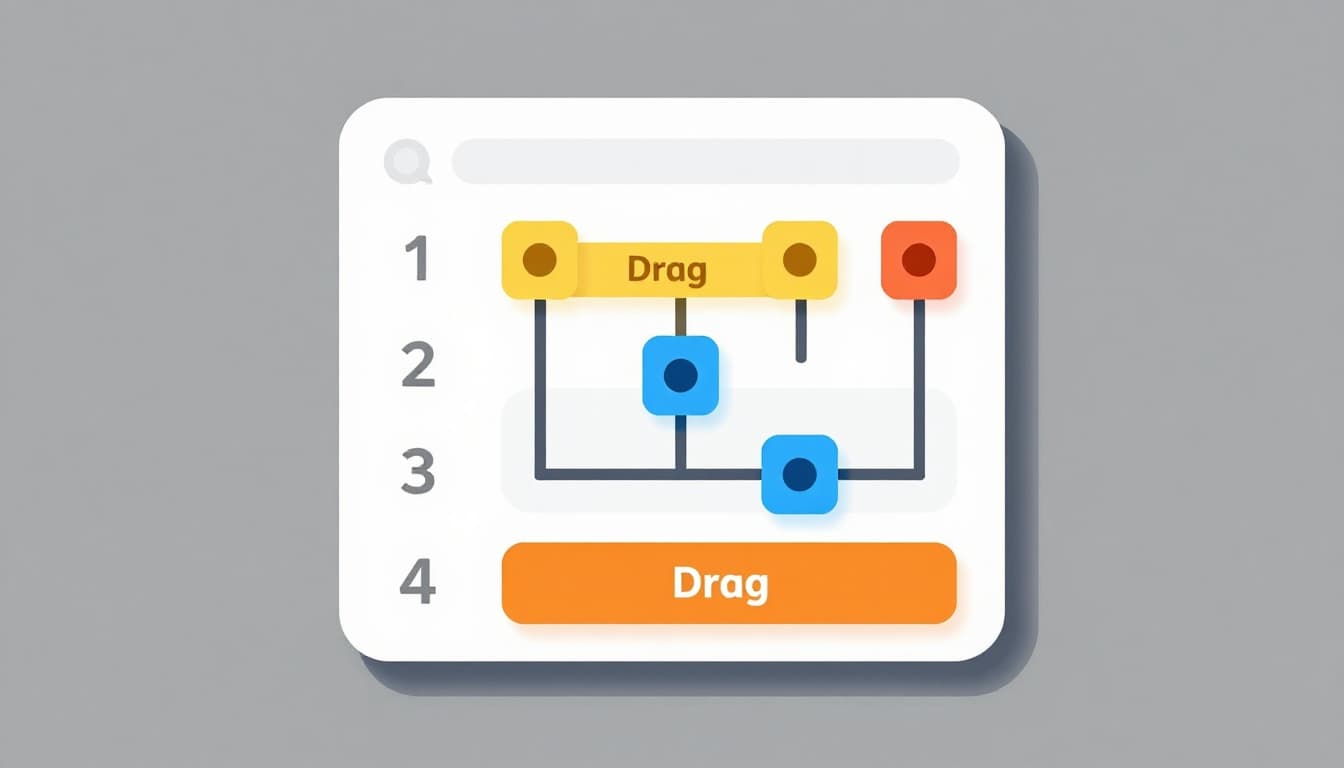
No-Code Tools for Creators: Build Apps, Websites, and Automations Without Being a Developer
The barrier between having a digital product idea and actually building it has never been lower. A decade ago, creating a custom website, mobile app, or automated workflow required either significant programming knowledge or the budget to hire developers. Today, the no-code movement has put powerful building tools directly into the hands of non-technical creators, enabling them to launch sophisticated digital products, automate repetitive tasks, and build entire businesses without writing a single line of code. For content creators specifically, this shift is transformative. You no longer need a technical co-founder to build the membership platform, scheduling tool, or interactive resource your audience needs. You can build it yourself, often in a matter of days rather than months, and iterate based on real user feedback without depending on anyone else's timeline.
The No-Code Landscape in 2026
The no-code ecosystem has matured significantly, evolving from basic drag-and-drop website builders into a comprehensive toolkit that covers nearly every digital product category. What started with platforms like WordPress and Squarespace offering template-based website creation has expanded into app development, database management, workflow automation, AI integration, and even machine learning model deployment — all without traditional programming. The quality of what can be built with no-code tools has also improved dramatically, closing the gap between no-code output and custom-developed solutions.
The market is now organized into several distinct categories, each addressing different creator needs. Website builders handle your public-facing web presence. App builders let you create mobile and web applications with custom functionality. Automation platforms connect your various tools and eliminate manual repetitive work. Database tools organize and manage your data and content. And AI-powered no-code tools add intelligent features to your products without requiring data science expertise. Understanding which category of tool you need is the first step toward building effectively, because trying to force a website builder to function as an app platform or using an automation tool where a database is needed leads to frustration and poor results.
Website Builders: Your Digital Home Base
Every creator needs a website, but not every creator needs the same kind of website. The choice of website builder should depend on your design ambitions, technical comfort, and the complexity of the site you envision. The current landscape offers excellent options at every level, from simple single-page landing sites to complex, fully interactive web experiences that rival anything a professional development team could produce.
Framer has emerged as a favorite among design-conscious creators who want pixel-perfect control over their websites without touching code. Its visual editor works similarly to design tools like Figma, making it intuitive for creators with design backgrounds. Framer handles responsive design intelligently, offers built-in CMS functionality for blogs and portfolios, and produces fast, SEO-friendly sites. Webflow remains the industry standard for creators who want professional-grade websites with advanced interactions, animations, and CMS capabilities. Its learning curve is steeper than Framer's, but the ceiling of what you can build is remarkably high. For creators who need something simpler, Carrd offers beautiful single-page websites at an incredibly low price point — perfect for link-in-bio pages, landing pages, and simple portfolio sites.
| Website Builder | Best For | Learning Curve | Starting Price |
|---|---|---|---|
| Framer | Design-focused sites, portfolios | Moderate | Free / $5/month |
| Webflow | Complex sites, client work | Steep | Free / $14/month |
| Carrd | Landing pages, simple sites | Easy | Free / $19/year |
| Super | Notion-powered websites | Easy | $16/month |
| Typedream | Quick professional sites | Easy | Free / $15/month |
App Builders: Creating Custom Digital Products
Sometimes a website is not enough. If your product idea requires user accounts, data input, custom workflows, or mobile-native functionality, you need an app builder. No-code app platforms have advanced to the point where creators can build genuinely useful applications — membership directories, course platforms, booking systems, community tools, and more — without any programming background. The apps produced by these platforms are real, functional software that users can access on their phones or through web browsers.
Glide turns spreadsheets into polished mobile and web apps with impressive speed. If you can organize your data in a Google Sheet or Airtable, you can have a working app in hours. Glide is particularly well-suited for directory apps, resource libraries, and simple internal tools. Adalo offers more design flexibility and the ability to publish native mobile apps to the App Store and Google Play, making it ideal for creators who want a branded mobile experience for their audience. FlutterFlow sits at the more advanced end of the spectrum, offering visual app development that produces production-quality mobile applications with complex logic and integrations. For creators willing to invest the learning time, FlutterFlow produces results that are virtually indistinguishable from traditionally coded apps.
Automation Platforms: Eliminating Repetitive Work
Perhaps the most immediately impactful category of no-code tools for creators is automation. Every creator has repetitive tasks that consume hours each week: posting content across platforms, sending welcome emails to new subscribers, updating spreadsheets with analytics data, notifying team members about new orders, and countless other workflows that follow predictable patterns. Automation platforms eliminate this manual work by connecting your tools and triggering actions automatically based on conditions you define. The time saved compounds dramatically over weeks and months, freeing you to focus on creative work rather than operational busywork.
Make (formerly Integromat) is the most powerful visual automation platform available, offering complex multi-step workflows with branching logic, error handling, and data transformation capabilities that rival custom code. Its visual scenario builder makes even complicated automations easy to understand and debug. Zapier remains the most accessible option with the largest library of app integrations, making it the best starting point for creators who are new to automation. Zapier's strength lies in its simplicity — connecting two apps with a trigger and action takes minutes, not hours. For creators embedded in the Apple ecosystem, Shortcuts offers device-level automation that can complement cloud-based tools.
Here are practical automation examples every creator should consider implementing:
| Automation | Trigger | Action | Tool |
|---|---|---|---|
| New subscriber welcome | Someone joins email list | Send personalized welcome sequence | Zapier + ConvertKit |
| Content repurposing | New YouTube video published | Create social media posts, update content calendar | Make |
| Sales notification | New digital product purchase | Send delivery email, update spreadsheet, notify Slack | Zapier |
| Lead capture | Form submission on website | Add to CRM, tag based on interests, start nurture sequence | Make |
| Analytics reporting | Weekly schedule | Pull platform stats, compile report, email summary | Make |
Database and Knowledge Management Tools
Behind every well-run creator business is organized data — subscriber lists, content calendars, product inventories, client information, financial records, and more. Traditional databases require SQL knowledge and server management, but no-code database tools provide the same organizational power through intuitive visual interfaces. These tools serve as the backbone of your creator operations, connecting to your other tools and providing a single source of truth for your business information.
Airtable combines the familiarity of a spreadsheet with the power of a relational database, allowing you to organize complex information with linked records, custom views, and powerful filtering. Creators use Airtable for everything from content calendars to affiliate tracking to product catalogs. Its automation features and extensive integration library make it a natural hub for creator operations. Notion takes a different approach, combining documents, databases, wikis, and project management into a single flexible workspace. For creators who want one tool to manage their entire business — from content planning to client notes to financial tracking — Notion's versatility is unmatched. The tradeoff is that Notion's database capabilities, while excellent, are less structured than Airtable's, making it better for knowledge management and project tracking than for data-heavy applications.
What Creators Can Actually Build
Theory is useful, but concrete examples of what creators have built with no-code tools are far more inspiring and instructive. The range of possibilities extends well beyond basic websites and simple automations. Creators across every niche are using no-code tools to build products and systems that generate revenue, serve their audiences, and differentiate their brands in ways that were previously accessible only to those with development budgets in the tens of thousands of dollars.
A fitness creator built a custom workout app using Glide that pulls exercises from an Airtable database, allows users to log their workouts, and tracks progress over time. The app generates fifteen hundred dollars per month in subscription revenue. A newsletter writer used Webflow and Memberstack to create a premium content archive with tiered access levels, growing to five hundred paying members within six months. A business coach built an automated client onboarding system using Make that triggers when a client books through Calendly — it sends a welcome packet via email, creates a shared Notion workspace, generates an invoice through Stripe, and adds the client to a private Slack channel, all without manual intervention. These are not exceptional cases — they represent the standard of what motivated creators with no technical background are building every day.
Choosing the Right Tools for Your Stack
With dozens of excellent no-code tools available, the temptation is to adopt too many at once, creating a fragmented toolkit that becomes a management burden rather than a productivity multiplier. The most effective approach is to start with the minimum viable stack — the fewest tools necessary to accomplish your immediate goals — and add complexity only when a clear need arises. Every tool you add introduces another login, another monthly subscription, another interface to learn, and another potential point of failure in your workflows.
For most creators just starting their no-code journey, the ideal starting stack includes three components: a website builder for your public presence, an automation platform for connecting tools and eliminating repetitive work, and a database or knowledge management tool for organizing your business operations. As your needs grow, you can layer in app builders for custom products, advanced AI tools for personalized user experiences, and specialized platforms for specific functions. The key principle is to let your actual needs drive tool adoption rather than adopting tools speculatively because they seem interesting. Every tool should solve a specific problem you are currently experiencing or enable a specific revenue opportunity you are ready to pursue.
Conclusion
The no-code revolution has fundamentally leveled the playing field for creators. The technical skills that once separated those who could build digital products from those who could only dream about them are no longer prerequisites for bringing ideas to life. Whether you want to create a stunning website, launch a custom app for your audience, automate the operational busywork that steals hours from your creative time, or build an entirely new digital product line, the tools exist to do it today without writing code. Start with one problem you want to solve, choose the right tool for that specific challenge, and build your way forward iteratively. The creators who embrace no-code tools are not just saving time and money — they are gaining independence, flexibility, and the ability to move at the speed of their ideas rather than waiting for someone else to build their vision.