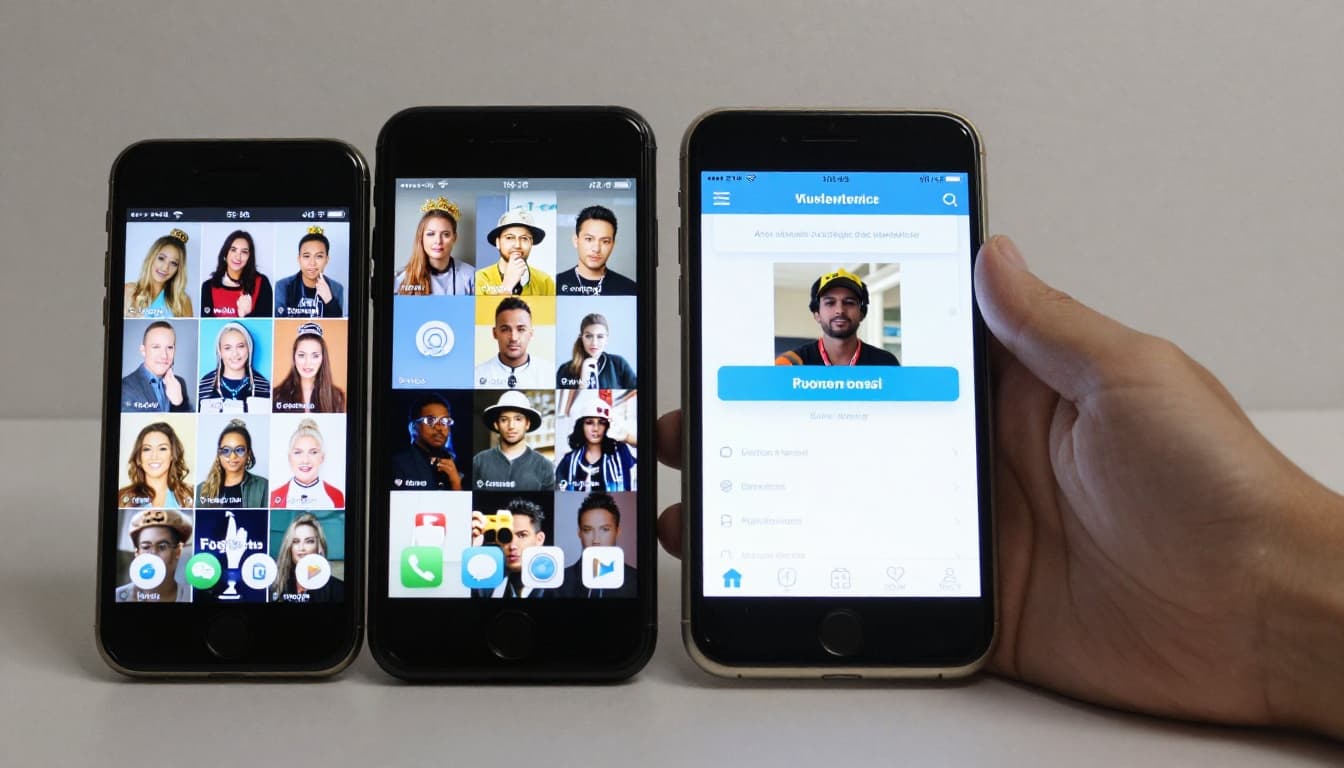
How to Use a Second Phone as a Dedicated Content Creation Device
There is a moment that every serious creator experiences — the moment when your personal phone becomes indistinguishable from a work device. Your camera roll is overflowing with content photos and B-roll footage, your notification screen is an endless cascade of comments, DMs, and collaboration requests, your storage is perpetually full, and the simple act of texting a friend requires scrolling past seventeen social media apps. This blurring of personal and professional boundaries on a single device creates constant cognitive load, reduces your productivity, and makes it nearly impossible to truly disconnect from work. The solution that an increasing number of successful creators have adopted is deceptively simple: use a second phone exclusively for content creation. This is not an extravagant luxury — it is a practical workflow optimization that can be implemented for under two hundred dollars and will fundamentally improve how you create, manage, and publish content while protecting your personal life from the relentless intrusion of your creator business.
Why Separating Personal and Creator Phones Changes Everything
The psychological impact of separating your personal and work devices is far more significant than most people expect. When your content creation tools, social media accounts, and business communications live on a separate device, you gain the ability to physically put your work away. At the end of your content creation session, you can place your creator phone in a drawer, walk away, and your personal phone becomes exactly what it should be — a device for staying connected with friends and family, browsing for entertainment, and managing your personal life without the constant pull of notifications about brand deals, comment responses, and posting schedules. This separation also eliminates the accidental content disruptions that plague creators who use a single device. You will never again accidentally post a personal photo to your business account, receive a personal call while recording a video, or run out of storage for content because your phone is full of personal apps and media. The mental clarity that comes from this separation is remarkable. When you pick up your creator phone, your brain shifts into work mode. When you put it down, you are genuinely off the clock. This boundary is incredibly difficult to maintain on a single device where personal and professional functions are intertwined in every app, folder, and notification setting.
Choosing the Right Budget Second Phone
You do not need a flagship phone for content creation. In 2026, mid-range and even budget smartphones offer cameras and processing power that would have been considered premium just a few years ago. The most important features to prioritize in a content creation phone are camera quality, storage capacity, battery life, and screen quality for editing. For Android users, phones in the two hundred to four hundred dollar range from Samsung's Galaxy A series or Google's Pixel A series offer excellent cameras with computational photography features that produce professional-quality photos and video. The Pixel line is particularly noteworthy for its camera software, which often produces results that rival phones costing twice as much. For creators who prefer iOS, a refurbished or previous-generation iPhone provides full access to the Apple ecosystem and its extensive library of creation apps.
| Phone Category | Price Range | Best Options | Key Strengths |
|---|---|---|---|
| Budget Android | $150 - $250 | Samsung Galaxy A25, Motorola Edge | Decent camera, good battery |
| Mid-Range Android | $250 - $450 | Google Pixel 8a, Samsung Galaxy A55 | Excellent camera, clean software |
| Previous-Gen iPhone | $300 - $500 | iPhone 14, iPhone 15 | iOS app ecosystem, great video |
| Refurbished Flagship | $250 - $400 | Galaxy S23, Pixel 7 Pro | Top-tier camera at reduced cost |
The key is not to overthink this decision. Any modern smartphone with a decent camera and adequate storage will serve your content creation needs well. Start with what fits your budget and upgrade later if your workflow demands it.
Essential Apps to Install on Your Creator Phone
The beauty of a dedicated creator phone is that every app on it serves your content creation workflow, with zero distractions. Start with your social media platforms — install only the accounts you use for your creator business, logged into your business profiles only. This means no personal Instagram, no personal Twitter, no personal anything. Your content creation app stack should include a professional camera app like Halide or ProCamera for iOS, or Open Camera for Android, which give you manual controls over exposure, focus, and white balance that the default camera apps lack. Install your primary video editing app — CapCut remains the standard for short-form video editing, while LumaFusion or Adobe Premiere Rush handle more complex projects. For photo editing, Lightroom Mobile and VSCO provide professional-grade color correction and preset application. A graphic design tool like Canva is essential for creating thumbnails, story graphics, carousel posts, and other visual assets. File management apps like Google Drive or Dropbox enable seamless transfer of files between your creator phone, your computer, and cloud storage. Finally, install your scheduling and analytics tools — Later, Buffer, or Creator Studio for scheduling posts, and the native analytics dashboards for each platform you use. Resist the temptation to install any app that is not directly related to content creation. No games, no news apps, no streaming services, no personal email.
Optimizing Your Content Creation Workflow
A dedicated creator phone enables workflow optimizations that are impractical on a shared device. Start by organizing your home screen with a creation-first layout. Your most-used creation apps — camera, video editor, design tool, and social media platforms — should occupy the prime real estate of your first home screen. Create folders for secondary tools grouped by function: editing apps in one folder, scheduling tools in another, analytics in a third. Set up quick-access camera shortcuts so you can go from pocket to filming in under two seconds — critical for capturing spontaneous content moments. Establish a consistent file management system for your content. Create a folder structure on your phone that mirrors your content calendar: folders for each week or each content series, with subfolders for raw footage, edited content, and published posts. This organization prevents the chaos of scrolling through hundreds of unnamed files looking for a specific clip. Use cloud syncing to automatically back up your content to a cloud storage service as you create it, ensuring nothing is lost and making it easy to access files from your computer for more intensive editing. Set up content creation templates in your design and editing apps so that recurring content types — like weekly tip posts or story templates — can be produced quickly without starting from scratch each time.
Battery and Storage Management for Heavy Use
Content creation is one of the most demanding use cases for any smartphone. Filming video, editing photos, running multiple apps simultaneously, and uploading large files all consume significant battery and storage resources. Managing both proactively ensures that your creator phone is always ready when inspiration strikes or your content schedule demands it. For battery management, invest in a high-capacity portable charger that you keep with your creator phone at all times. Disable background refresh for apps that do not need it — your editing tools do not need to update in the background. Reduce screen brightness to the minimum comfortable level while creating, and enable battery saver mode when you are not actively using demanding apps. For storage management, the most important practice is regular offloading. After each content creation session, transfer your raw footage and final exports to cloud storage or an external drive, then delete the local copies from your phone. Shoot video at the resolution and frame rate you actually need rather than always defaulting to the highest settings. A three-minute TikTok does not need to be filmed in 4K at sixty frames per second — 1080p at thirty frames per second produces excellent quality for social media while using a fraction of the storage. Keep at least twenty percent of your phone's storage free at all times to ensure smooth app performance and room for spontaneous shooting.
Keeping Notifications Under Complete Control
One of the most transformative benefits of a dedicated creator phone is the ability to control notifications with surgical precision. On a personal phone that also serves as your work device, notification management is a constant negotiation between staying responsive to your audience and maintaining your sanity. A creator phone eliminates this tension entirely. Configure your creator phone so that it only sends notifications that require timely action — direct messages from verified brand contacts, time-sensitive collaboration requests, or scheduled content reminders. Disable all other notifications: comment notifications, like notifications, new follower alerts, trending audio notifications, and every other alert that social media apps use to pull you back into the platform. These notifications create an addictive pull that fragments your attention and makes it impossible to focus on deep creative work. When you want to check your engagement or respond to comments, do so intentionally by opening the app during designated work periods rather than reactively in response to buzzing and pinging throughout the day. Many creators take this a step further by keeping their creator phone in airplane mode or Do Not Disturb by default, only turning notifications on during specific hours they have designated for community engagement and business communication.
Repurposing Old Phones as Creator Devices
You may not need to buy a new phone at all. If you recently upgraded your personal phone, your previous device is likely more than capable of serving as a dedicated content creation tool. Older flagship phones from the past two to three years still have excellent cameras, adequate processing power, and enough storage for content creation work. The key is to factory reset the old phone to give it a fresh start, then set it up exclusively as a creator device using the app selection and organization principles described above. Even phones that are too old for reliable daily use as a primary device can be repurposed for specific creation tasks. An older phone with a still-decent camera can serve as a secondary angle for multi-camera shoots, a dedicated webcam for live streams, or a teleprompter display for scripted content. Phones with cracked screens but functional cameras can serve as behind-the-scenes cameras where visual perfection is not required. The creator economy is built on resourcefulness, and finding new purpose for hardware you already own is perfectly aligned with that spirit. If your old phone's battery has degraded significantly, keep it plugged in during use and treat it as a semi-stationary creation tool rather than a portable one.
Traveling and Creating With Two Phones
Managing two phones while traveling for content creation requires some additional planning but offers significant benefits. Designate your creator phone as your primary travel documentation device — all travel content, location photos, B-roll footage, and on-the-go editing happens on this phone. Your personal phone remains your navigation tool, communication device, and travel logistics manager. This separation means your content footage is never interrupted by incoming calls or messages, and your personal photos from the trip remain separate from your business content. Invest in a dual-pocket phone case or a small tech pouch that keeps both devices accessible but distinct. When passing through airport security or customs, having your creator phone clearly organized as a work device can simplify any questions about your professional purpose for traveling. For international travel, consider getting a local SIM card for your creator phone to ensure reliable upload speeds for posting content, while keeping your personal phone on your home carrier's international plan for calls and messages. This dual-SIM approach often costs less than adding international data to a single device and provides better coverage for the upload-heavy demands of content creation on the road.
The Productivity Multiplier Effect
The cumulative productivity gains from operating with a dedicated creator phone extend far beyond the individual benefits described above. When every aspect of your creation workflow is optimized on a single, purpose-built device, you eliminate the transition costs that plague creators who mix personal and professional use on one phone. There is no time lost switching between personal and business Instagram accounts. There is no confusion about which camera roll contains the footage you need. There is no accidental deletion of content files to make room for a personal app update. These micro-frictions seem trivial individually, but they compound across hundreds of daily interactions into hours of lost productivity per week. Creators who have adopted the two-phone approach consistently report that their content production speed increases by twenty to thirty percent, their content quality improves because they have more time and mental energy for creative decisions, and their overall stress levels decrease because the boundary between work and personal life becomes tangible and enforceable. The initial investment of one to four hundred dollars for a second phone pays for itself within weeks through increased efficiency, higher-quality output, and the invaluable benefit of being able to genuinely disconnect from your creator business when the workday is done.
Conclusion
Using a second phone as a dedicated content creation device is one of those strategies that sounds excessive until you try it, at which point you wonder how you ever functioned without it. The benefits span every dimension of the creator experience — from practical workflow improvements and storage management to profound psychological benefits like reduced anxiety and clearer work-life boundaries. You do not need to spend a fortune to implement this strategy. A refurbished phone, a hand-me-down from a family member, or a budget device under two hundred dollars is all you need to get started. Set it up with only creation-focused apps, configure notifications for minimal interruption, establish a file management system, and commit to keeping your personal life on your personal phone. Within a week, you will notice the difference in your productivity. Within a month, you will notice the difference in your mental health. And within a quarter, you will see the difference in the quality and consistency of your content. The two-phone approach is not about luxury — it is about building the infrastructure that supports sustainable, high-quality content creation for the long term.